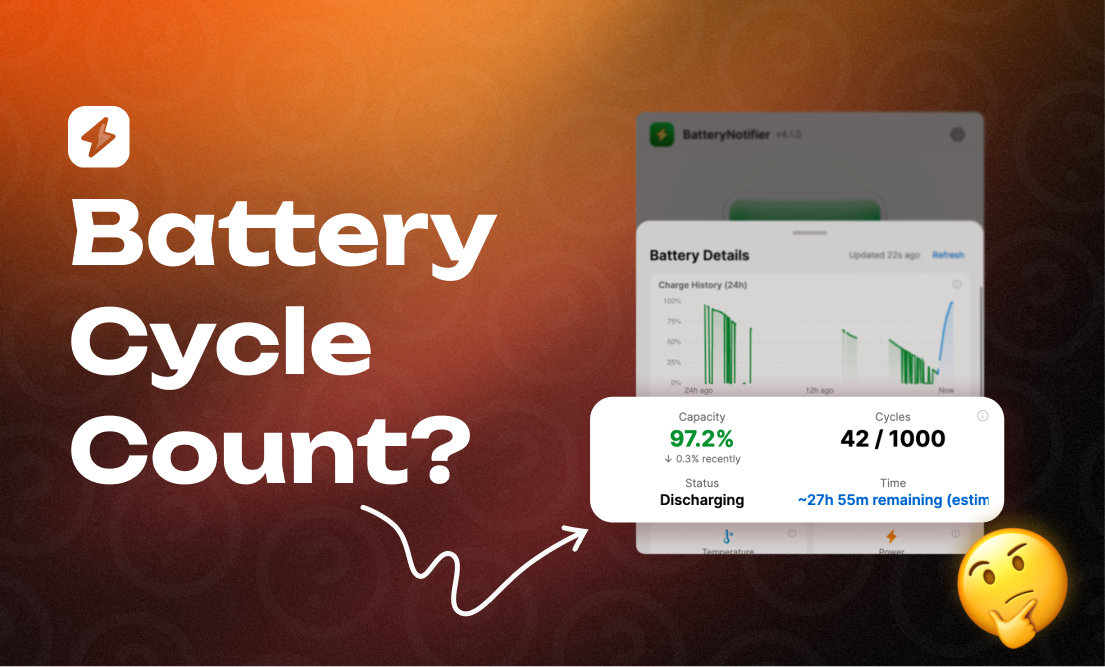
Your laptop keeps a counter. Every time you use up one full battery's worth of charge, that counter goes up by one. It does not matter whether you did it in one sitting or over a week.
That number is the cycle count. It is the most honest measure of how much your battery has been through.
What counts as one cycle
A cycle is not one plug-in. It is one full battery's worth of discharge.
Drain from 100% to 50%, charge back to 100%, then drain to 50% again. That is one cycle, not two. Two half-discharges add up to one.
Light use tends to land around 100-200 cycles a year. Heavy use, 300-400.
How to check yours
Windows:
Open a terminal and run:
powercfg /batteryreport
Open the HTML file it generates and look for "Cycle Count" in the battery information section.
macOS:
Apple menu → About This Mac → More Info → System Report → Power. Cycle count sits under "Health Information."
Or use Battery Notifier — the health dashboard shows cycle count next to capacity, temperature, and wear, in one place.
When to worry
| Cycle count | What it means |
|---|---|
| 0–300 | Healthy. Nothing to do. |
| 300–500 | Normal wear. Runtime may be slightly shorter. |
| 500–800 | Aging. Capacity is probably under 80% of original. |
| 800–1000 | End of life for most batteries. Start planning a replacement. |
| 1000+ | Apple calls MacBook batteries "consumed" at this point. |
These ranges depend on the manufacturer. Apple rates MacBook batteries for 1000 cycles. Most Windows laptops are rated for 300-500 (Dell's guide covers how to pull the report).
Can you reset it?
No. The count lives in the battery's own controller chip, not in the operating system. It resets when you replace the battery, because the chip is new too.
Does a high count mean a bad battery?
Not on its own. A battery at 500 cycles that stayed between 20% and 80% is usually in better shape than one at 300 cycles that got drained to zero and charged to full every day.
Battery University puts it well: cycle count tells you how much the battery has been used. Capacity tells you how much damage that use caused. You need both to read the situation.
The number I actually check
If you only look at one thing, look at maximum capacity — full charge capacity against design capacity. That is the runtime you have actually lost, whatever the cycle count says.
Battery Notifier tracks both over time, so you see the trend instead of one snapshot.