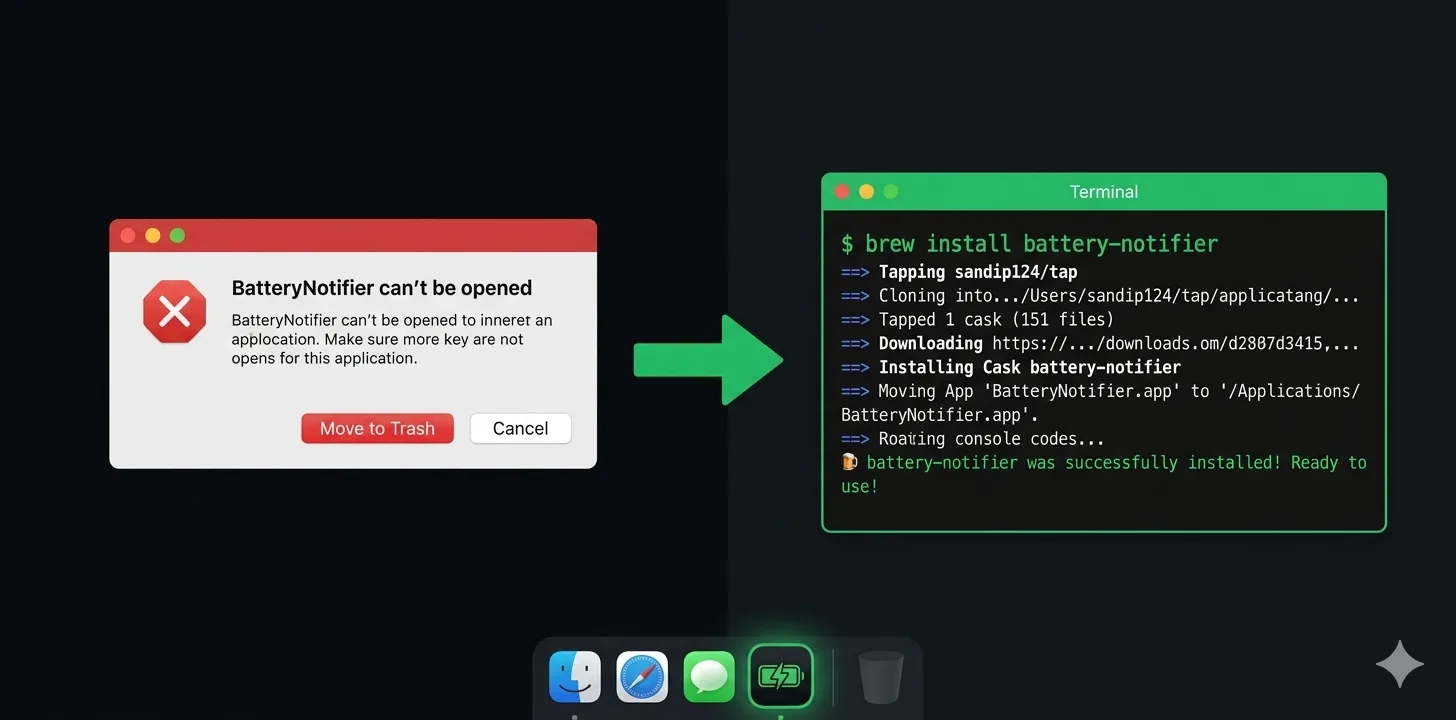
You downloaded Battery Notifier, double-clicked the .pkg, and macOS said no.
Something like "BatteryNotifier can't be opened because it is from an unidentified developer" — or worse, it just silently refused.
This isn't a virus. It's Gatekeeper, Apple's security feature that blocks apps not signed with an Apple Developer certificate. Every open-source app that hasn't paid for code signing hits this wall.
Here are three ways around it, from easiest to most manual.
Method 1: Install via Homebrew (recommended)
This is the cleanest option. Homebrew handles everything — download, extraction, placement, and Gatekeeper bypass.
Open Terminal and run:
brew install --cask Sandip124/tap/battery-notifier
That's it. The app lands in /Applications and opens without any warnings. If you don't have Homebrew yet, install it first from brew.sh.
To update later:
brew upgrade battery-notifier
To uninstall:
brew uninstall battery-notifier
Method 2: Remove the quarantine flag
When you download a file from the internet, macOS tags it with a quarantine attribute. That's what triggers the Gatekeeper block. You can remove it manually.
After installing the .pkg, open Terminal and run:
sudo xattr -cr /Applications/BatteryNotifier.app
You'll need to enter your password. After that, the app opens normally. You only need to do this once.
Method 3: Allow it in System Settings
If you already tried to open the app and got blocked:
- Open System Settings
- Go to Privacy & Security
- Scroll down — you'll see a message like "BatteryNotifier was blocked from use because it is not from an identified developer"
- Click Open Anyway
- Enter your password
- The app launches. Future opens work without this step.
Why isn't the app signed?
Apple charges $99/year for a Developer certificate. Battery Notifier is a free, open-source project maintained by one person in their spare time. That $99 would be better spent on hosting or coffee.
The app is fully open source on GitHub — you can read every line of code and build it yourself if you prefer.
Once the project reaches 225 GitHub stars, it qualifies for the official Homebrew Cask registry, which makes installation even smoother. You can help by starring the repo.
Still having trouble?
If none of the above works, you might be on a managed Mac (company or school) that enforces stricter Gatekeeper policies. In that case, ask your IT admin to allowlist the app, or open an issue on GitHub and we'll help you figure it out.